
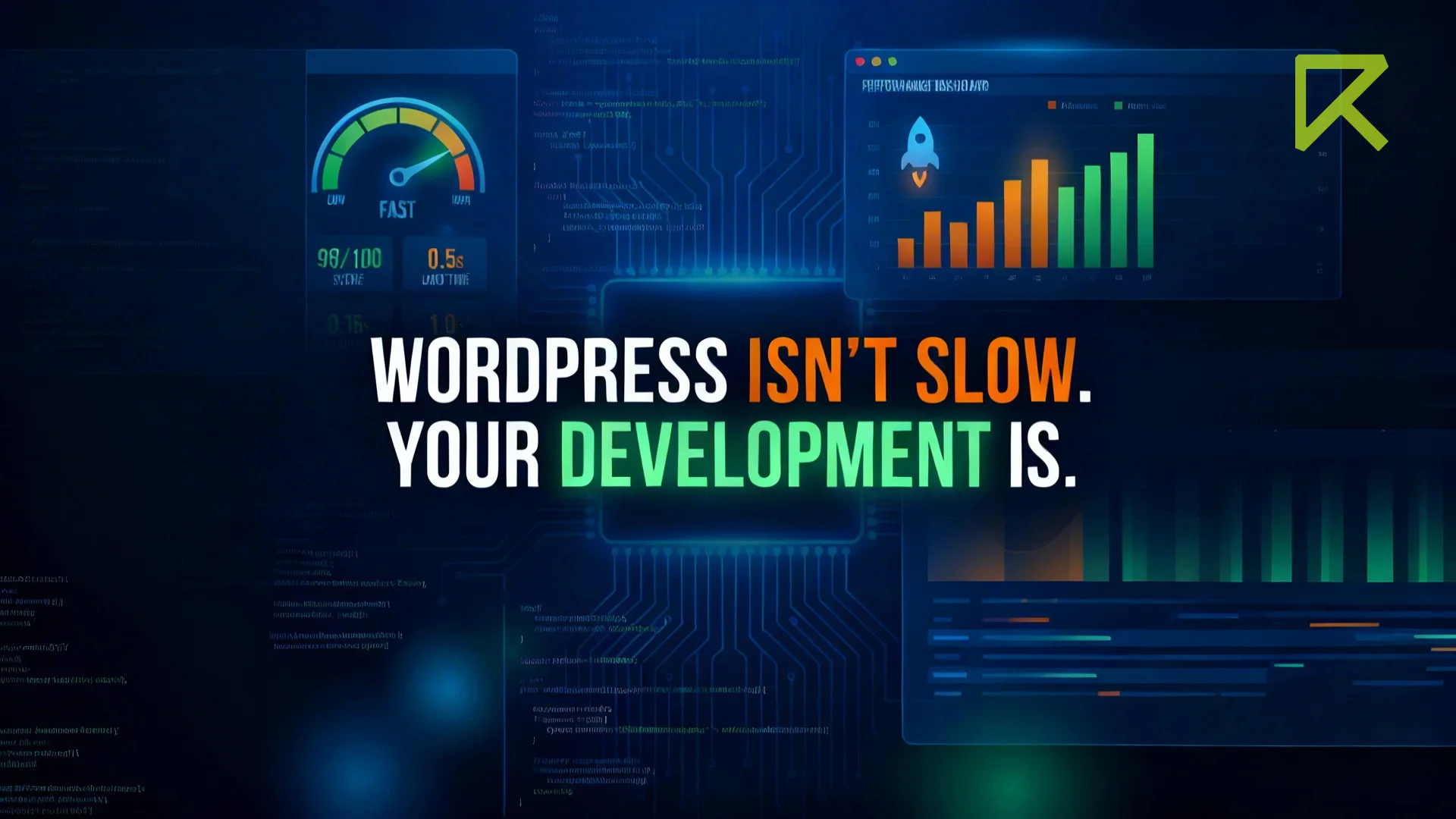
WordPress Is Not Slow.
WordPress is not slow. People think WordPress is slow because when a website is really slow they blame WordPress away.
They think WordPress causes a lot of problems like:
- loading speed
- Security risks
- Plugin conflicts
- scalability
- Weak search engine optimization
But when I take a closer look, at these websites I usually find that the problem is something else entirely. WordPress is not the issue. I find this with WordPress every time.
What I Actually Find During Audits
In most cases, the real issues are:
- Too many plugins are installed, even when they are not needed
- Unused plugins are not removed
- Plugins are not updated regularly
- Low-quality plugins are used
- Heavy themes are used with many features that are not required
- Extra theme options and demo features are still loaded
- No caching is set up
- No CDN is used
- Images are too large
- Images are not compressed
- WebP format is not used
- Too many fonts are loaded
- Too many external scripts are added
- Cheap hosting with slow server response
- Hosting is not optimized
- No object caching or server-level caching
- Random code is added without proper understanding
- Unnecessary CSS and JavaScript files are loaded
- CSS and JS are not minified
- Render-blocking resources are not handled
- Database is full of unused data No
- database cleanup or optimization
- Too many post revisions
- Spam comments are not removed
- No lazy loading for images
- No performance testing before launch
- No testing after changes
- Core Web Vitals are not checked
- Overuse of page builders
- Deep layouts increase page size
- Poor mobile optimization
- No clear development process
After all these issues, people say:
“WordPress is slow.”
No.
WordPress is not slow.
Poor development and bad setup make a website slow.
WordPress Powers Millions of Successful Websites
WordPress is used by more than 40% of websites.
- Enterprise-level websites
- High-traffic blogs
- WooCommerce stores
- Company websites
- SaaS landing pages
Strong businesses choose strong platforms: WordPress is one of them.
The difference is simple:
They build it the right way.
Performance Depends on Development
WordPress is a powerful platform.
But speed depends on how you build the website.
Here is what really makes WordPress fast:
1. Clean and Lightweight Theme
Always use a clean and lightweight theme.
Avoid heavy multipurpose themes unless you really need them.
Many themes come with extra features, sliders, animations, and page builders that you may never use.
But even if you don’t use them, they still load in the background and slow down your website.
A lightweight or custom-built theme keeps your website fast and efficient.
It helps to reduce:
- Unnecessary CSS and JavaScript files
- Large and complex page structure (DOM size)
- Too many HTTP requests
- Extra code that is never used
Clean code is easier to manage, easier to update, and faster to load.
A simple and clean theme is the first step to a fast WordPress website.
2. Fewer Plugins, Better Performance
More plugins do not mean more features.
In many cases, more plugins only make the website slow and hard to manage.
Every plugin you install adds extra load to your website.
Each plugin can:
Each plugin:
- Add more database queries
- Load extra CSS and JavaScript files
- Increase page size and load time
- Create conflicts with other plugins
- Increase security risks
Many websites have plugins that are not even used anymore, but they still run in the background.
This affects both performance and stability.
Always install only the plugins you really need.
Remove unused or duplicate plugins.
It is better to use a few high-quality plugins than many low-quality ones.
less plugins, better performance.
Quality matters more than quantity when it comes to plugins.
3. Proper Caching Setup
Without caching, WordPress has to build the page again every time someone visits your site.
This takes more time and makes your website slower.
Caching helps by saving a ready version of your pages, so they can load much faster for visitors.
You should use:
- Page caching – stores full pages and serves them quickly
- Object caching – reduces repeated database work
- Browser caching – saves files in the user’s browser
- CDN (Content Delivery Network) – delivers content from the nearest server
When caching is set up properly, your website doesn’t need to work hard every time.
This improves speed, reduces server load, and gives a better user experience.
caching makes your website faster by doing less work.
Good caching can make a slow website feel fast.
4. Optimize Your Images
Images are one of the main reasons websites become slow.
Large, unoptimized images take more time to load and can affect the entire page speed.
To keep your website fast, follow these simple practices:
- Compress images to reduce file size
- Use WebP format for better performance
- Enable lazy loading so images load only when needed
- Serve the right image size for different screens
Even a well-built website can become slow if images are not optimized.
smaller and smarter images make your website faster.
Optimized images can make a big difference in performance.
5. Keep Your Database Clean
Over time, your WordPress database collects a lot of unnecessary data.
This includes:
- Post revisions
- Spam comments
- Temporary data
- Unused or leftover metadata
All this extra data makes the database heavier and slower.
When the database is not cleaned, your website takes more time to get and load data.
a clean database means a faster website.
Regular cleanup improves query speed and backend performance.
Clean your database regularly to keep your site fast and healthy.
6. Keep Your Website Secure
Most security problems are not caused by WordPress.
They happen because the website is not built or maintained properly.
Common reasons are:
- Old plugins that are not updated
- Bad or poorly written themes
- Unsafe custom code
- Not checking or cleaning user input
To keep your website safe:
- Follow basic WordPress coding rules
- Clean and check all user input
- Show data safely (escape output)
- Keep everything updated (plugins, themes, WordPress)
Good practices make your website safe and stable.
security depends on how you build and maintain your site.
WordPress is safe, if you take care of it properly.
What About Scalability?
Many people think WordPress cannot handle large websites.
That is not true.
With the right setup, WordPress can grow and handle high traffic.
It can:
- Handle a large number of visitors
- Use load balancing to manage traffic
- Work with cloud hosting
- Be used as a headless CMS
- Connect with other apps using APIs
The ability to scale does not depend on WordPress alone.
It depends on how the website is built and how the server is set up.
scalability depends on good planning and infrastructure, not the CMS.
WordPress can scale, if you build it the right way.
WordPress and SEO: A Strong Advantage
WordPress is actually very good for SEO.
It gives you full control to improve your website ranking.
With WordPress, you can:
- Create clean and simple URLs
- Organize content properly
- Control meta titles and descriptions
- Add schema (structured data)
- Use tools to improve speed and performance
But SEO can fail if the basics are ignored.
Common mistakes include:
- Ignoring website speed
- Poor website structure
- No technical SEO setup
- Depending only on plugins
Plugins can help, but they are not enough.
good SEO needs proper planning and correct implementation.
SEO success does not come from plugins, it comes from strategy.
The Real Problem: Fast Work, Not Smart Work
Today, many developers just focus on finishing work quickly.
They:
- Try to complete projects fast
- Use page builders for everything
- Copy and paste code without understanding
- Add plugins instead of building proper solutions
This may feel easy at first,
but it creates problems later.
Websites built this way often become:
- Slow
- Hard to manage
- Full of issues
- Difficult to update
But fast builds often lead to long-term technical debt.
Instead of asking:
“How fast can I finish this?”
We should ask:
“Will this website still work well after 2 years?”
doing it fast is easy, doing it right is important.
Take a little more time now, and you will save a lot of time later.
Final Thoughts
WordPress is not slow.
The way a website is built decides its performance.
With the right approach, WordPress can be fast, stable, and reliable.
The real difference comes from:
- Good decisions
- Clean development
- Proper setup
WordPress is powerful, flexible, scalable, and reliable, when built correctly.
At the end of the day, it’s not about the tool, it’s about how you use it.
Build it right.
Performance will follow.
Frequently Asked Questions
No. WordPress itself is not slow. Most performance problems are caused by poor development practices such as too many plugins, heavy themes, lack of caching, and unoptimized images.
Slow WordPress websites usually happen because of:
- Too many plugins
- Heavy multipurpose themes
- No caching implementation
- Large unoptimized images
- Cheap or slow hosting
When optimized correctly, WordPress websites can load extremely fast.
You can improve WordPress performance by:
- Using a lightweight theme
- Installing only essential plugins
- Implementing caching
- Optimizing images
- Using a CDN
- Choosing good hosting
These steps can significantly improve website speed.
When optimized correctly, WordPress websites can load extremely fast.
Yes. WordPress can handle high traffic when built with proper architecture. Many enterprise websites and large online businesses successfully run on WordPress with scalable hosting and caching systems.
These steps can significantly improve website speed.
When optimized correctly, WordPress websites can load extremely fast.
Yes. WordPress is one of the most SEO-friendly platforms. It allows clean URLs, easy meta tag management, structured content, and integration with powerful SEO tools.


