
Introduction
When I first started building WordPress websites, most projects were relatively straightforward. A homepage, service pages, a contact form, and perhaps a blog section. The default WordPress editor was usually enough to manage content.
However, as client requirements became more advanced, I realized that modern websites need far more than standard posts and pages. Businesses want team directories, service listings, testimonials, project portfolios, FAQs, image galleries, social media management, and dynamic landing pages.
Trying to manage all this information inside the default editor quickly becomes difficult and unorganized.
This is where Advanced Custom Fields (ACF) completely transforms WordPress development.
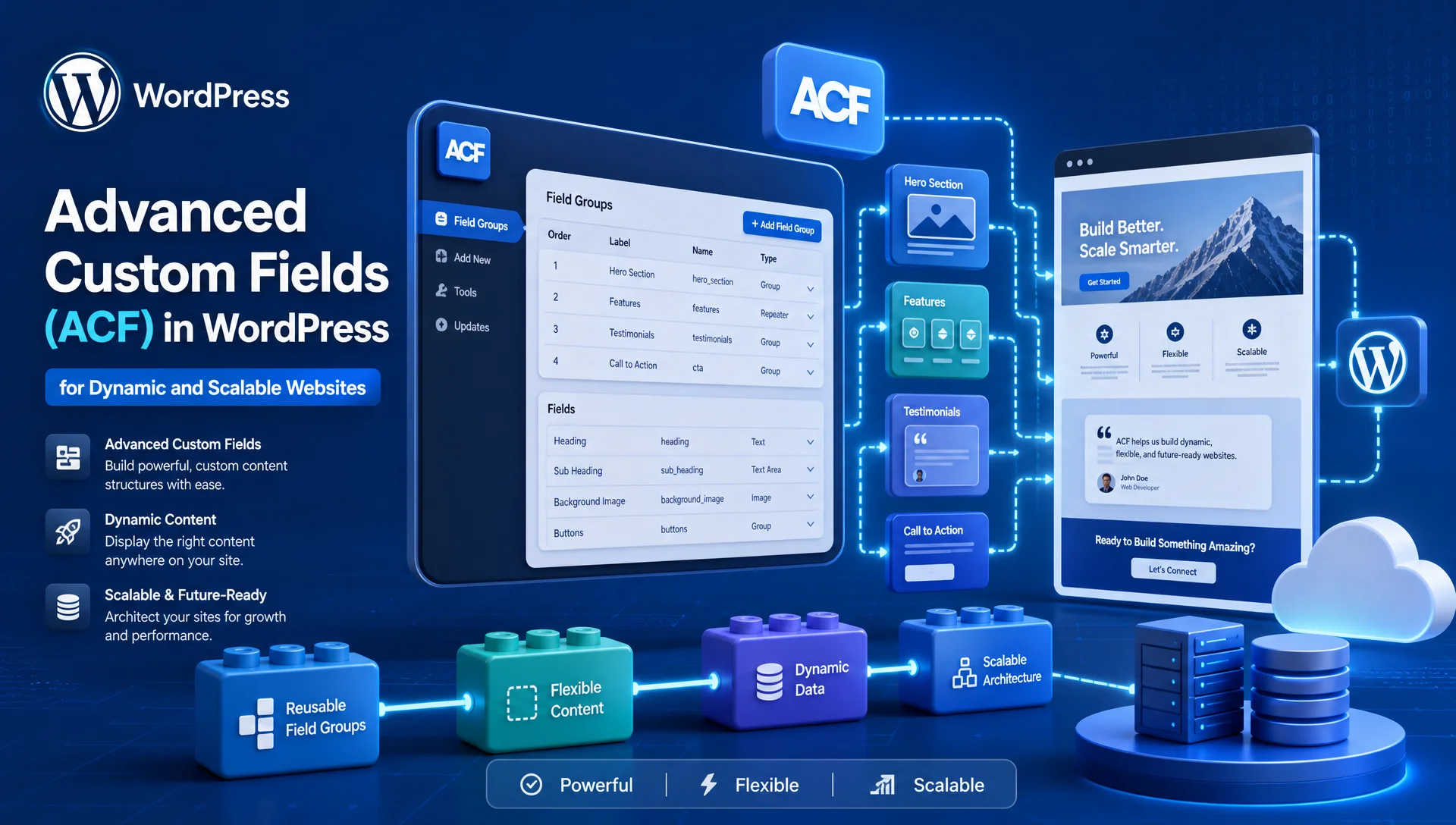
Advanced Custom Fields (ACF) allows developers to create structured content fields that are easy for clients to manage while giving developers complete control over how content is displayed on the frontend.
In this article, we’ll explore how Advanced Custom Fields (ACF) helps build dynamic and scalable websites, review commonly used field types, discuss Repeater Fields, Gallery Fields, Theme Options Pages, and examine practical code examples used in real-world WordPress projects.
What is Advanced Custom Fields (ACF)?
Advanced Custom Fields (ACF) is one of the most popular WordPress plugins for creating custom content structures.
Instead of storing everything inside the content editor, developers can create dedicated fields for specific types of information.
For example:
Team Member
Name
Designation
Email
Profile Image
LinkedIn URL
Service
Service Name
Service Icon
Price
Duration
Description
Project
Project Name
Gallery
Client Name
Completion Date
Project URL
By using Advanced Custom Fields (ACF), content remains organized, consistent, and easy to manage.
Why I Use Advanced Custom Fields (ACF) on Almost Every Project
One of the biggest challenges in WordPress development is creating websites that clients can manage without technical knowledge.
Without Advanced Custom Fields (ACF):
- Content becomes inconsistent
- Editors accidentally break layouts
- Updating information becomes difficult
With Advanced Custom Fields (ACF):
- Content remains structured
- Layouts stay consistent
- Editors have a better experience
- Development becomes more scalable
For this reason, Advanced Custom Fields (ACF) has become a standard part of my WordPress development workflow.
Understanding ACF Field Groups
Before creating fields, ACF requires a Field Group.
A Field Group is simply a collection of related fields.
Example:
Team Member Field Group
Name
Designation
Email
Phone Number
Profile Image
LinkedIn URL
This ensures all team-related information remains grouped together.
Text Field
The Text Field is one of the most commonly used field types in Advanced Custom Fields (ACF).
Typical uses include:
- Names
- Job Titles
- Service Names
- Company Names
Example
<?php

$title = get_field('service_title');

echo $title;

?>
Direct Output
<?php the_field('service_title'); ?>Output:
Custom WordPress DevelopmentTextarea Field
Textarea fields are ideal for longer descriptions.
Common uses:
- Testimonials
- Service Summaries
- Team Bios
Example
<?php

$description = get_field('service_description');

echo $description;

?>
Output:
We provide custom WordPress development solutions for businesses.WYSIWYG Editor Field
The WYSIWYG field provides a full content editor experience.
Ideal for:
- Service Details
- About Pages
- Landing Page Content
Example
<?php

$content = get_field('service_content');

echo $content;

?>
This allows content editors to manage rich text content without touching code.
Number Field
Useful for:
- Pricing
- Years of Experience
- Project Counts
Example
<?php

$price = get_field('service_price');

echo '$' . $price;

?>
Output:
$999Email Field
The Email Field ensures proper email formatting.
Example
<?php

$email = get_field('contact_email');

?>

<a href="mailto:<?php echo esc_attr($email); ?>">
    <?php echo esc_html($email); ?>
</a>
URL Field
Perfect for:
- Website Links
- Social Media Profiles
- Portfolio URLs
Example
<?php

$link = get_field('website_url');

?>

<a href="<?php echo esc_url($link); ?>">
    Visit Website
</a>
Image Field
The Image Field is one of the most frequently used features of Advanced Custom Fields (ACF).
Common uses:
- Team Images
- Service Icons
- Banners
- Client Logos
Return Format: Array
<?php

$image = get_field('team_image');

?>

<img
    src="<?php echo esc_url($image['url']); ?>"
    alt="<?php echo esc_attr($image['alt']); ?>"
>
Return Format: ID
<?php

$image_id = get_field('team_image');

echo wp_get_attachment_image(
    $image_id,
    'full'
);

?>
File Field
Useful for:
- PDF Downloads
- Brochures
- Reports
Example
<?php

$file = get_field('brochure');

?>

<a href="<?php echo esc_url($file['url']); ?>">
    Download Brochure
</a>
Select Field
Allows predefined options.
Example:
Pending
Active
Completed
Code
<?php

$status = get_field('project_status');

echo $status;

?>
Checkbox Field
Useful when multiple values can be selected.
Example
<?php

$skills = get_field('skills');

if($skills):

    foreach($skills as $skill):

        echo '<li>' . $skill . '</li>';

    endforeach;

endif;

?>
Output:
WordPress
PHP
JavaScript
Radio Button Field
Useful when only one option can be selected.
Example
<?php

$package = get_field('package_type');

echo $package;

?>
Output:
PremiumTrue / False Field
Useful for toggles.
Example:
<?php

if( get_field('featured_post') ) {

    echo 'Featured';

}

?>
Date Picker Field
Useful for:
- Events
- Appointments
- Launch Dates
Example
<?php

$date = get_field('event_date');

echo $date;

?>
Relationship Field
One of the most powerful features in Advanced Custom Fields (ACF).
Example:
Project → Related Services
Code
<?php

$services = get_field('related_services');

if($services):

foreach($services as $service):

?>

<h3>
    <?php echo get_the_title($service); ?>
</h3>

<?php

endforeach;

endif;

?>
Repeater Field Explained
The Repeater Field is one of the most valuable features in Advanced Custom Fields (ACF) Pro.
It allows users to add unlimited rows of content.
Common uses:
- FAQs
- Testimonials
- Team Members
- Pricing Tables
FAQ Example
Fields:
Question
Answer
Code:
<?php

if( have_rows('faqs') ):

while( have_rows('faqs') ):

the_row();

?>

<h3>

<?php the_sub_field('question'); ?>

</h3>

<p>

<?php the_sub_field('answer'); ?>

</p>

<?php

endwhile;

endif;

?>
Team Repeater Example
Fields:
Name
Designation
Image
Code:
<?php

if( have_rows('team_members') ):

while( have_rows('team_members') ):

the_row();

$image = get_sub_field('image');

?>

<img src="<?php echo $image['url']; ?>">

<h3>

<?php the_sub_field('name'); ?>

</h3>

<p>

<?php the_sub_field('designation'); ?>

</p>

<?php

endwhile;

endif;

?>
Gallery Field Explained
The Gallery Field allows multiple images to be managed from one location.
Perfect for:
- Portfolio Websites
- Construction Projects
- Product Showcases
Gallery Grid Example
<?php

$images = get_field('project_gallery');

if($images):

?>

<div class="gallery-grid">

<?php foreach($images as $image): ?>

    <img
        src="<?php echo esc_url($image['sizes']['medium']); ?>"
        alt="<?php echo esc_attr($image['alt']); ?>"
    >

<?php endforeach; ?>

</div>

<?php endif; ?>
CSS:
.gallery-grid{
    display:grid;
    grid-template-columns:repeat(3,1fr);
    gap:20px;
}
Gallery Slider Example
Many developers combine Advanced Custom Fields (ACF) with Swiper.js.
<?php

$images = get_field('project_gallery');

?>

<div class="swiper">

<div class="swiper-wrapper">

<?php foreach($images as $image): ?>

<div class="swiper-slide">

<img
src="<?php echo $image['url']; ?>"
alt="<?php echo $image['alt']; ?>"
>

</div>

<?php endforeach; ?>

</div>

</div>
This creates a fully dynamic image slider.
Flexible Content Field
The Flexible Content Field works like a custom page builder.
Possible layouts:
Hero Section
Content Section
FAQ Section
Gallery Section
CTA Section
Example
<?php

if( have_rows('page_builder') ):

while( have_rows('page_builder') ):

the_row();

if( get_row_layout() == 'hero_section' ):

get_template_part(
'template-parts/hero'
);

elseif( get_row_layout() == 'faq_section' ):

get_template_part(
'template-parts/faq'
);

endif;

endwhile;

endif;

?>
Creating a Theme Settings Page
One of my favorite uses of Advanced Custom Fields (ACF) is creating a Theme Settings page.
Examples:
- Phone Number
- Email Address
- Social Media Links
- Footer Copyright
Create Admin Menu
if(function_exists('acf_add_options_page')){

    acf_add_options_page(array(

        'page_title' => 'Theme Settings',

        'menu_title' => 'Theme Settings',

        'menu_slug'  => 'theme-settings',

        'capability' => 'edit_posts',

        'redirect'   => false

    ));

}
Managing Social Media Links
Fields:
facebook_url
instagram_url
linkedin_url
youtube_url
Display Example
<?php

$facebook = get_field(
'facebook_url',
'option'
);

?>

<a href="<?php echo esc_url($facebook); ?>">

Facebook

</a>
Displaying Header Contact Information
Fields:
phone_number
email_address
Code:
<?php

echo get_field(
'phone_number',
'option'
);

echo get_field(
'email_address',
'option'
);

?>
Now the client can update contact information from one central location.
Conclusion
Advanced Custom Fields (ACF) is one of the most powerful tools available for WordPress developers. From simple text fields to advanced Repeater Fields, Gallery Fields, Flexible Content layouts, and Theme Options Pages, Advanced Custom Fields (ACF) provides everything needed to build dynamic and scalable websites.
Whether you’re creating service pages, team directories, project portfolios, membership platforms, or custom business applications, Advanced Custom Fields (ACF) helps keep content structured, maintainable, and easy for clients to manage.
For any developer serious about WordPress development, learning Advanced Custom Fields (ACF) is one of the best investments you can make. It improves development speed, enhances content management, and makes building scalable WordPress websites significantly easier.